













Anonymous eSIM for Malaysia , Pay with Bitcoin
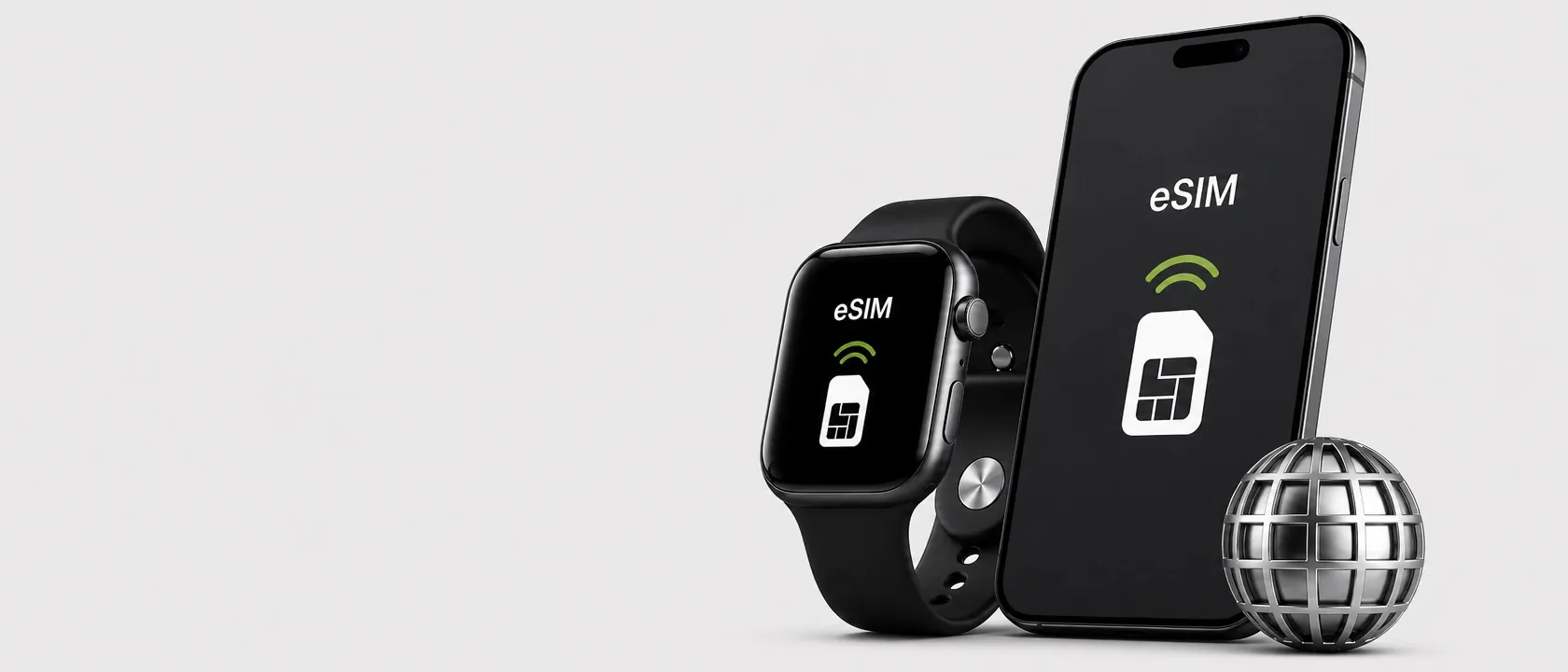
Pay with Bitcoin, USDT or 20+ cryptocurrencies and get your Malaysia eSIM instantly , no KYC, no ID required. Cardstorm is the crypto-native way to stay connected in Malaysia while preserving your financial privacy.
Is Your Phone Compatible with Malaysia eSIM?
Dial *#06# on your device , an EID line confirms eSIM support. Ensure your phone is not carrier-locked before travel. On iPhone, check Settings → General → About → Carrier Lock for "No SIM Restrictions".
- Compatible with most modern iPhones and Android flagships
- Device must be carrier-unlocked
- Stable Wi-Fi required for initial eSIM installation
Malaysia Data Plans 1GB–100GB , Who They're For
Plans cover a range of data needs, valid for 7–30 days. Coverage spans major cities, tourist destinations, and key routes throughout Malaysia.
- Small plans: short trips, light browsing and maps
- Medium plans: standard travel use, video calls, streaming
- Large plans: remote work, hotspot sharing, long stays
When Does Your Malaysia eSIM Plan Start?
Your plan timer starts only at first connection in Malaysia , not when you buy or install the eSIM. Purchase days before your flight, set up at home, and arrive already online. Full refund available within 60 days if the plan goes unused.
Bitcoin, USDT & More , Payment Options for Malaysia eSIM
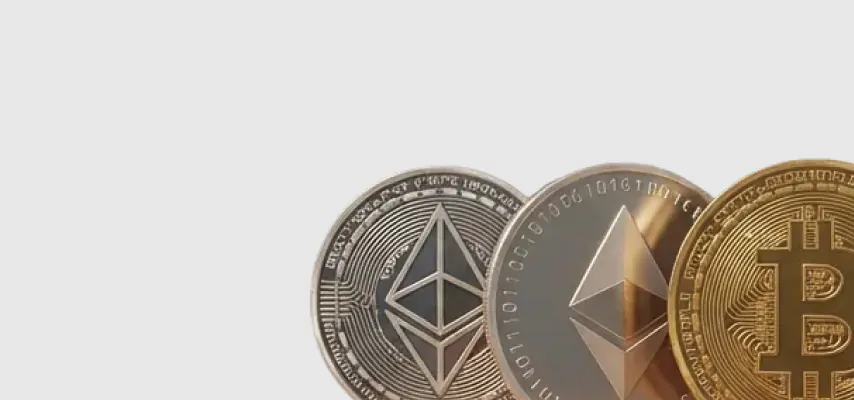
Cardstorm accepts Bitcoin (BTC), USDT, Ethereum (ETH), USDC and 20+ other cryptocurrencies. No KYC, no ID verification, no fiat required. Pay, receive your QR code instantly, scan it in your phone settings before departure.
- BTC, ETH, USDT, USDC and 20+ cryptos
- No registration or identity check
- Instant delivery , activate days before departure
Buy Local eSIM for Malaysia with BTC or crypto
Kuala Lumpur’s skyline, Borneo rainforests, Penang street food , explore Malaysia connected. Pay with Bitcoin or USDT, no KYC, instant eSIM.
Tech specs
- Delivery: Instant digital (One-click activation link, delivered via email)
- Plan activation: Automatic when connected to network with data roaming enabled
- Validity: Starts when eSIM connects to mobile network for the first time
- Calls & SMS: Not included (data only). Use WhatsApp / iMessage / Signal instead
- Top-up: Available — add more data to existing eSIM anytime
- Speed: 2G / 3G / 4G / 5G (where available)
- Hotspot: Supported
Plan type
Standard: Fixed data allowance for a fixed number of days. Full speed (up to 5G where available) until data runs out. Once the data cap is reached, the plan is exhausted. If the validity period ends before the data is used up, remaining data expires.
Premium: Large high-speed data allowance (30+ GB depending on selected duration). Once the high-speed data is consumed, unlimited data continues at reduced speed (2 Mbps) until the end of the validity period.
Compatibility
Most modern smartphones support eSIMs, including iPhone XS and newer, Samsung Galaxy S20+, Google Pixel 3+, and many others. To check if your device supports eSIM: dial *#06# — if you see an EID code, your device is compatible. Your device must also be unlocked (not carrier-locked). To check on iPhone: Settings → General → About → Carrier Lock → should show "No SIM Restrictions".
How it works
After purchase, you will receive a one-click activation link via email.
- Open the activation link directly on your device.
- Follow the on-screen instructions to install the eSIM.
- Turn on Data Roaming in your settings.
- Select the eSIM as your mobile data source.
- Done — your eSIM connects automatically upon arrival in the coverage area.
Important: install the eSIM before traveling — you'll need a stable Wi-Fi or mobile internet connection to complete the installation. Validity starts only when the eSIM first connects to a mobile network.
-
 Malaysia 2G, 3G, 4G
How to buy gift card with crypto
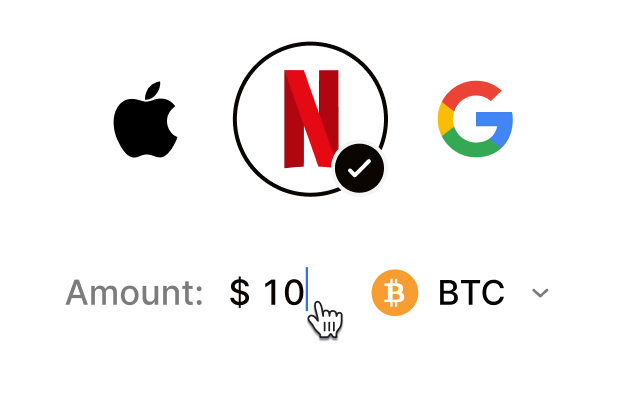 Choose your e-gift cardSelect any brand, amount, and token
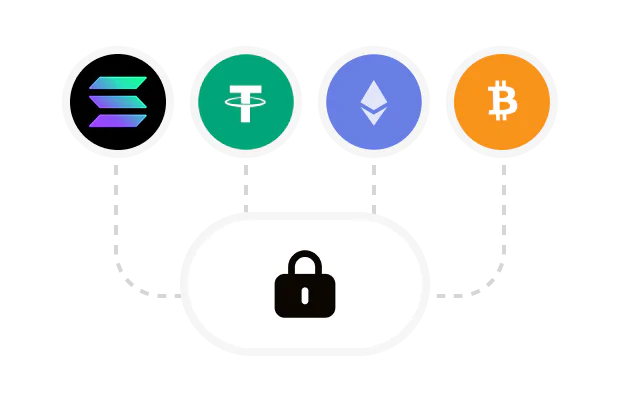 Pay safely with cryptoNo KYC required. Secure payments through our crypto checkout
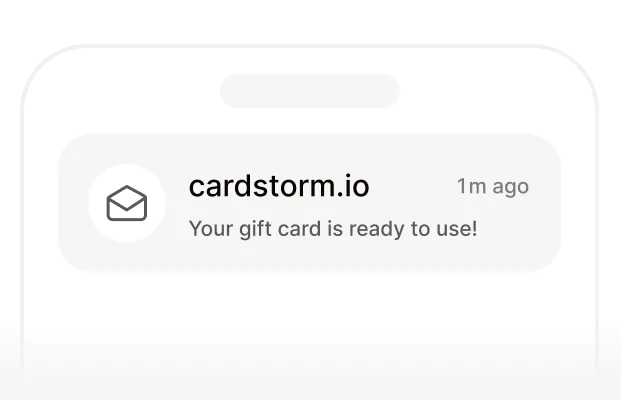 Instantly receive a voucher code via emailGet full instructions on how to redeem it
 Redeem & enjoySpend crypto on real goods and come back to Cardstorm
FAQ
- Cardstorm is a marketplace for buying gift cards with cryptocurrency. We offer a secure, fast, and private way to convert your crypto into a wide variety of gift cards. Choose a brand and the correct country/region, select your amount, pay with crypto at checkout, and receive your gift card details according to the delivery method shown on the product page.
- Cardstorm offers a wide selection of digital gift cards. Popular options include Amazon, Visa, Spotify, Netflix, PlayStation, Xbox, and Sephora. Availability can vary by country/region, so choose the correct location (for example, US) or use search to see the most up-to-date list.
- Yes. Cardstorm supports 200+ cryptoсurrencies. You can buy gift cards with different cryptos including Bitcoin, Ethereum, USDC, USDT, Binance Pay, Litecoin, Dogecoin, Lightning, or Lifi. The available cryptocurrencies can vary, so check the checkout page to see the current list of supported coins and networks.
- No. Cardstorm does not require KYC/ID verification to place an order. You only need an email address so we can deliver your digital product after purchase.
However, some products (especially prepaid cards) may require identity verification at the redeeming or usage stage (for example, when you activate the card or use it with the issuer). When this applies, it’s clearly stated in the product description. - Because digital gift cards are delivered electronically and can be redeemed instantly, refunds are often limited. Check Cardstorm’s Refund Policy and the product page terms. If you believe there’s an issue (invalid code, wrong delivery, etc.), contact support with your order details.
- After your payment is confirmed, delivery is typically within a few minutes to the email address you provide. If there’s a delay, we’ll notify you promptly and help resolve it – by offering an alternative or a refund where applicable, according to the product terms.
- First, confirm you purchased the correct country/region and followed the redemption steps for that brand. If the issue persists, contact [email protected] and include your order number, screenshots (if possible), and any error messages from the redemption page.
- If you don’t see your question answered here, email us at [email protected] – we’ll be happy to assist.