
















eSIM — What should I know?
1. What is an eSIM?
An eSIM (embedded SIM) is a digital SIM card built into your device. No physical card is required. It is activated via a one-click link or by entering the activation code manually. It is designed for data only (internet) — calls and SMS are not supported. Your primary SIM card remains active for calls.
Works in 150+ countries. Ideal for travelers, digital nomads, and business trips.
2. Plan types by coverage
Single-country plan Works in one specific country only. Roaming is not supported. Example: an eSIM for Mexico works only in Mexico — it will not work in neighboring Guatemala.
Regional plan Works across multiple countries within one region. Available regions: Global (worldwide), Europe, Central America (includes part of South America), Africa, Asia, Middle East, North America, Oceania.
3. eSIM Plan types
Standard Fixed data allowance for a fixed number of days. Speed up to 5G where available.
- Data runs out before the validity period ends — the plan is exhausted and internet access stops.
- Validity period ends before the data runs out — remaining data expires.
Premium Large high-speed data allowance (30+ GB depending on selected duration). Once the high-speed data is consumed, unlimited internet continues at reduced speed (2 Mbps) until the end of the validity period.
4. Device compatibility
How to check eSIM support Dial *#06# on your device. If you see an EID code in the popup window, your device supports eSIM.
How to check carrier lock
iPhone: Settings → General → About → Carrier Lock → should show “No SIM Restrictions”. Devices purchased directly from Apple (not through a carrier promotion) are generally unlocked. If you still have outstanding payments to your carrier, the device cannot be unlocked until fully paid off.
Android: Insert a SIM card from a different carrier, turn off Wi-Fi, and try to access the internet. If it works, your phone is unlocked.
Requirements for installation
- Stable Wi-Fi or 4G connection
- Device supports eSIM (EID code is present)
- Device is not carrier-locked
5. Activation — when does the plan validity start
The validity period starts only when the eSIM connects to a mobile network in the destination country for the first time. Until then, the plan is not used. You can purchase and install the eSIM at home in advance — the countdown will not start until you first use it abroad.
6. eSIM Installation
Installation methods
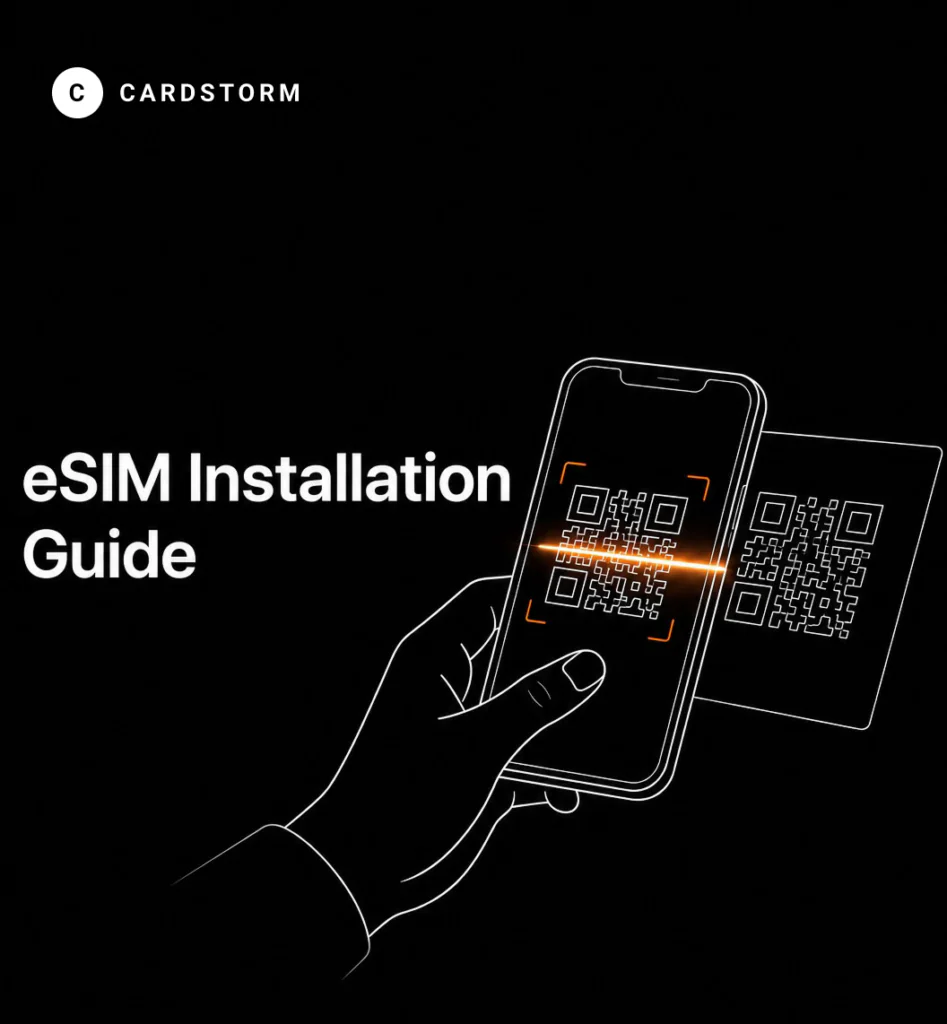
- One-click activation link — tap directly on your device (iOS 17.4+, Android 10+)
- Manual entry — SM-DP+ address + Activation Code (if the link is unavailable)
The activation link is one-time use only. Once used, it becomes invalid and cannot be used again or on a different device.
Installing via one-click link
Apple (iOS 17.4+)
- Open the activation link directly on your iPhone or iPad.
- A prompt will appear — tap “Continue”.
- Wait up to 10 minutes for the eSIM to install.
- Tap “Done” when finished.
Android (Android 10+)
- Open the activation link directly on your Android device.
- Tap “Add” when prompted.
- Wait up to 10 minutes for the eSIM to install.
- Tap “Done” when finished.
Installing on iPhone / iPad via Settings
Method 1 — via camera:
- Open the camera.
- Point it at the QR code.
- Tap “Mobile Plan” in the notification.
- Tap “Continue” and wait up to 10 minutes.
Method 2 — via Settings:
- Settings → Cellular → Add eSIM → Use QR Code
- Scan the QR code.
- Tap “Continue” and wait up to 10 minutes.
Method 3 — manual entry:
- Settings → Cellular → Add eSIM → Use QR Code → Enter Details Manually
- Enter the SM-DP+ address and Activation Code.
- Tap “Next” and wait up to 10 minutes.
After installation, configure your phone:
- Default Line → Primary
- iMessage & FaceTime → Primary
- Mobile Data → eSIM
- Data Roaming → On
Installing on Android via Settings
Method 1 — via Settings:
- Settings → Connections → SIM Manager → Add eSIM
- Scan the QR code.
- Tap “Add” and wait up to 10 minutes.
Method 2 — manual entry:
- Settings → Connections → SIM Manager → Add eSIM
- Enter Activation Code → Enter Manually
- Enter the details and follow the on-screen instructions.
After installation, configure your phone:
- Enable the eSIM (toggle it On).
- Mobile Data → eSIM
- Settings → Connections → Mobile Networks → Data Roaming → On
7. Multiple plans on one eSIM
Up to 30 plans can be loaded onto a single eSIM simultaneously. Plans activate automatically in order of the earliest expiration date.
Example: if you have a 7-day plan and a 30-day plan, the 7-day plan will be used first, then the 30-day plan activates automatically.
Plan compatibility An eSIM is tied to a region. Only plans from the same region are compatible:
- A US eSIM is compatible with plans for the USA, Canada, Mexico, and the North America region.
- An Asian eSIM is compatible with Asia region plans.
- A Global eSIM is only compatible with other Global plans.
- A US eSIM is not compatible with European plans.
If the new plan is incompatible with the existing eSIM, a separate new eSIM will be issued.
8. eSIM expiration
An eSIM with no activity for 12 months will be deactivated and all attached unused plans will be forfeited. Any of the following activities resets the timer:
- Purchasing a new plan
- Using internet via the eSIM
9. Refunds
Conditions:
- No more than 60 days have passed since the purchase.
- The plan has never been used.
Refunds are processed through the seller’s platform and credited automatically. If a refund fails and all conditions are met, contact our support team at [email protected].
10. eSIM Hotspot
eSIM supports hotspot mode — you can share your internet connection with other devices. Hotspot usage consumes your plan data. For availability on a specific plan, please contact our support team at [email protected].