











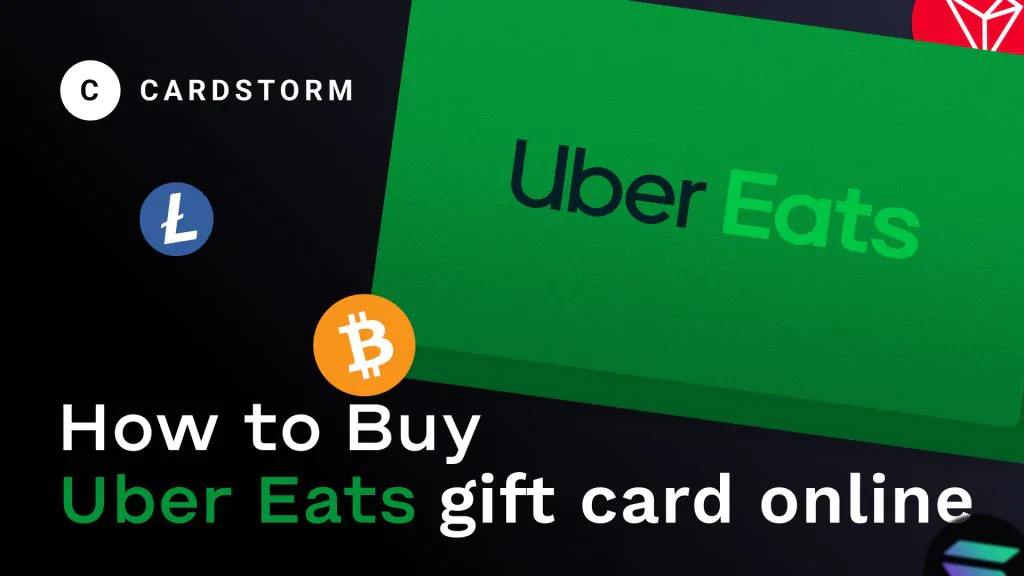
If you’re looking for a fast and convenient way to pay for food delivery, an Uber Eats gift card is a great option. It lets you order meals from thousands of restaurants, manage spending easily, and even send quick digital gifts to friends or family.
In this guide, you’ll learn where to purchase digital Uber Eats cards safely, how the buying process works, and the easiest way to get instant delivery.
Where You Can Get Digital Uber Eats Cards
There are several trusted platforms where you can purchase Uber Eats gift cards online.
Many users start directly on the official website of Uber Eats, which offers digital codes delivered straight to your email. Major retailers such as Amazon, Walmart, and Target also sell online gift cards in various denominations.
Another popular option is using online gift card marketplaces that focus on fast digital delivery and flexible payments. Services like Cardstorm allow users to purchase gift cards quickly and receive codes within minutes — without complicated checkout steps.
Buying Your Gift Card Through Cardstorm
For users who want a quick and smooth experience, Cardstorm offers a simple purchase flow:
- Visit Cardstorm.io and browse the gift card catalog
- Choose the Uber Eats card and select your desired amount
- Pick your payment method
- Enter your email for delivery
- Complete your purchase
- Receive your digital code instantly
Once delivered, the gift card can be redeemed right away.
Why Many People Choose Gift Cards for Food Delivery
Gift cards are popular because they remove friction from online payments. With a digital card, you don’t need to link a bank account or worry about declined transactions.
They’re also perfect for:
- Ordering meals on the go
- Budgeting food expenses
- Sending quick digital gifts
- Paying without sharing card details
For frequent food delivery users, gift cards offer flexibility and control.
How to Redeem Your Digital Code
Using your gift card takes only a few seconds:
- Open the Uber Eats app or website
- Go to your wallet or account section
- Select “Add Gift Card”
- Enter the code you received
- Confirm and start ordering
Your balance updates instantly and can be used for future orders.
Tips for a Smooth Purchase Experience
To avoid issues, always:
- Buy from trusted websites
- Double-check your email address for delivery
- Keep your digital code secure
- Confirm the card works in your region
Most online gift cards are ready to use immediately after purchase.
Final Thoughts
Purchasing an Uber Eats gift card online is one of the easiest ways to enjoy fast food delivery, control spending, or send a thoughtful digital gift. With instant delivery and simple redemption, it’s a convenient payment solution for everyday meals.
If you want a quick and hassle-free option, Cardstorm lets you get your gift card within minutes — no waiting, no complicated steps.
Start enjoying food delivery today with a digital Uber Eats card.